Setup
To get started with the Attio integration, select Integrations > Available Apps > Attio This will take you to an OAuth confirmation screen to grant Maple access to your Attio workspace.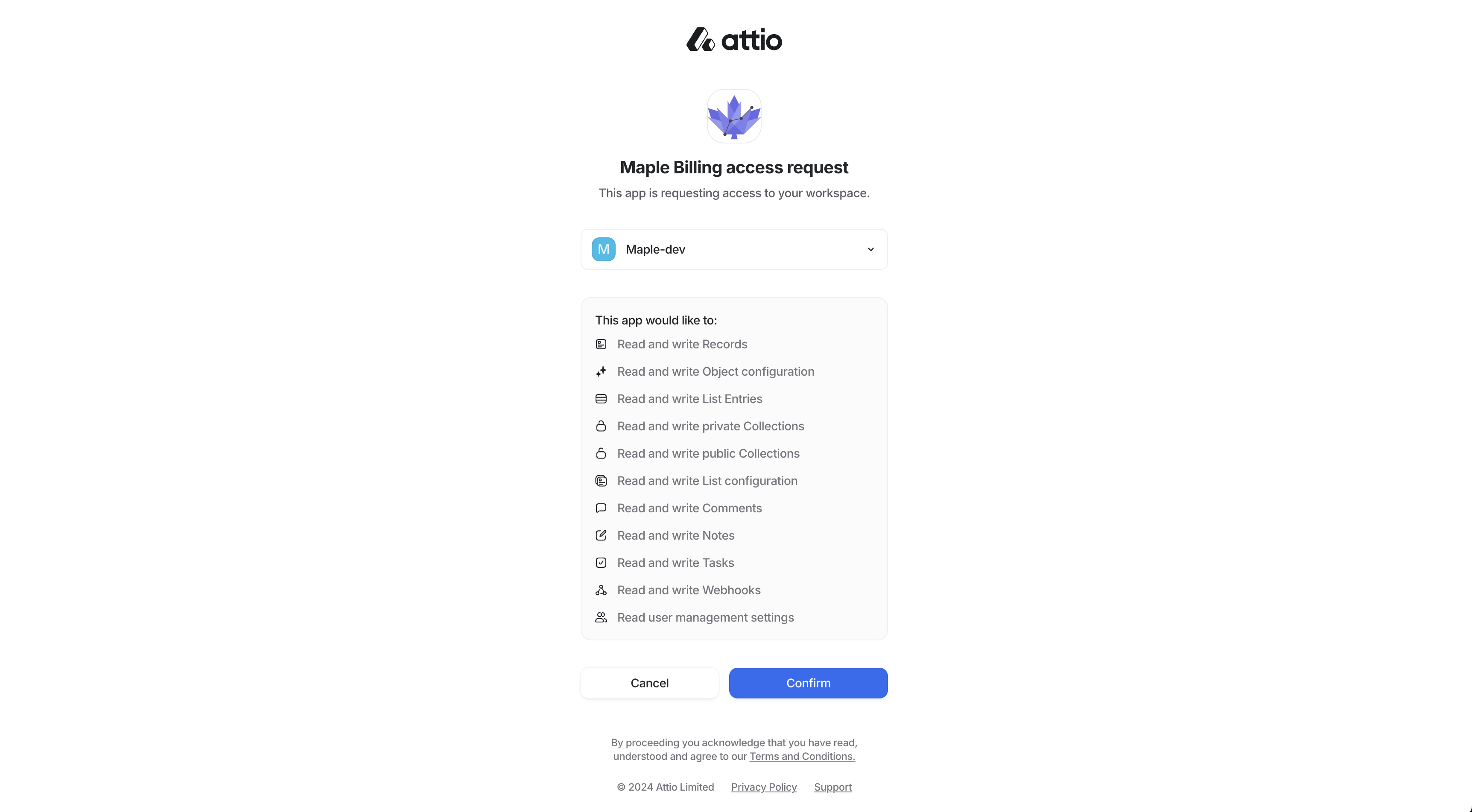
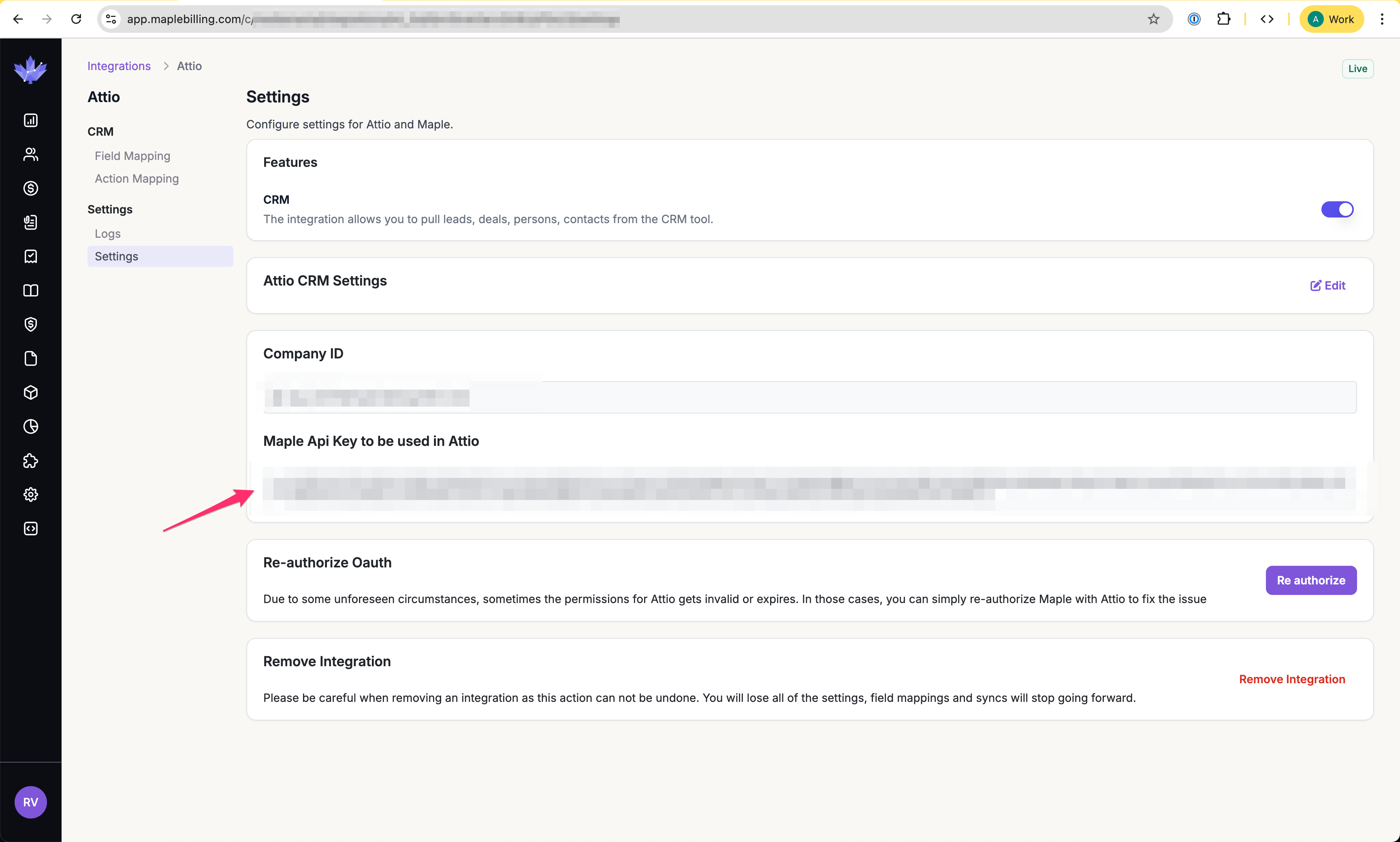 Go to the App Settings in Attio, and paste the Maple API Key as the Workspace Secret.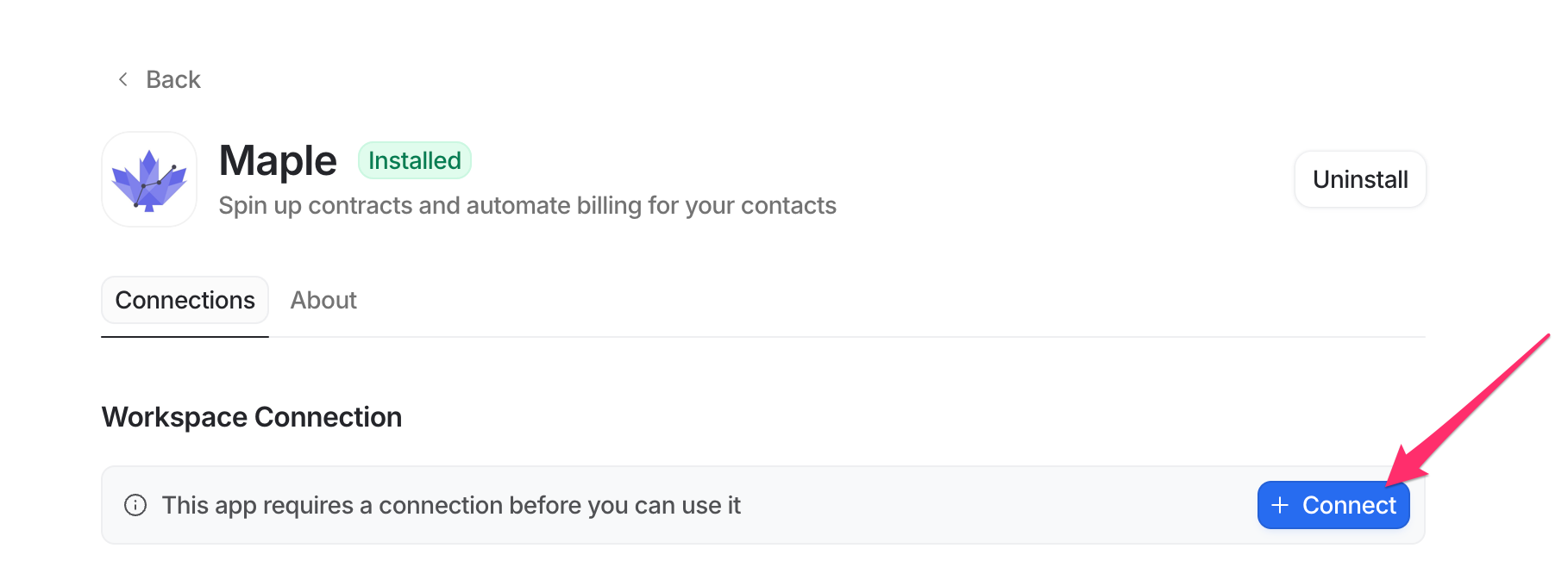
Contract Workflow with Attio
Once you’ve connected Attio, Maple allows you to search your contacts in Attio while creating contracts or subscriptions. This reduces the effort to spin up contracts for your customers to make deals and invoicing move faster.Field and Action Mapping
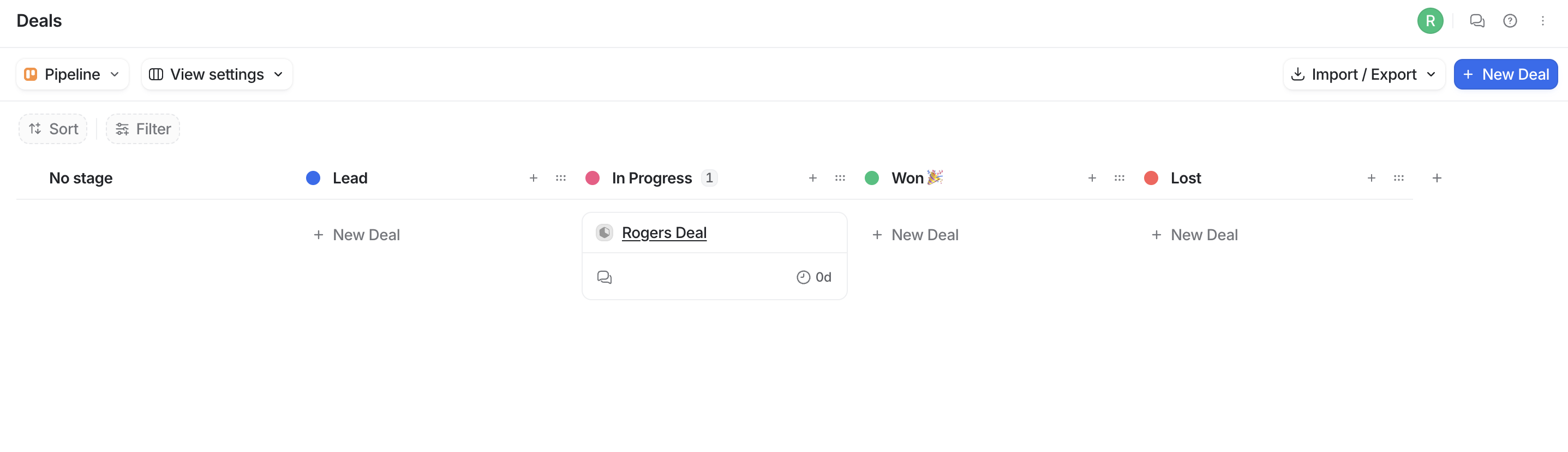
Maple will allow for Action Mapping and Field Mapping with Attio for a highly customized integration. The Action Mapping determines what happens in Attio when actions happen in Maple and vice versa. You can configure either Maple or Attio to be the source of truth on the customer or contract information. This is particularly useful for when you want deal stages to update in Attio based on the status of contract signatures in Maple.